The renderer built for jewelry and product designers

We're pleased to announce the release of Light Tracer Render 3.4.0 – a significant update that offers a fresh perspective on the 3D designer's workflow and dramatically improves everyday usability.

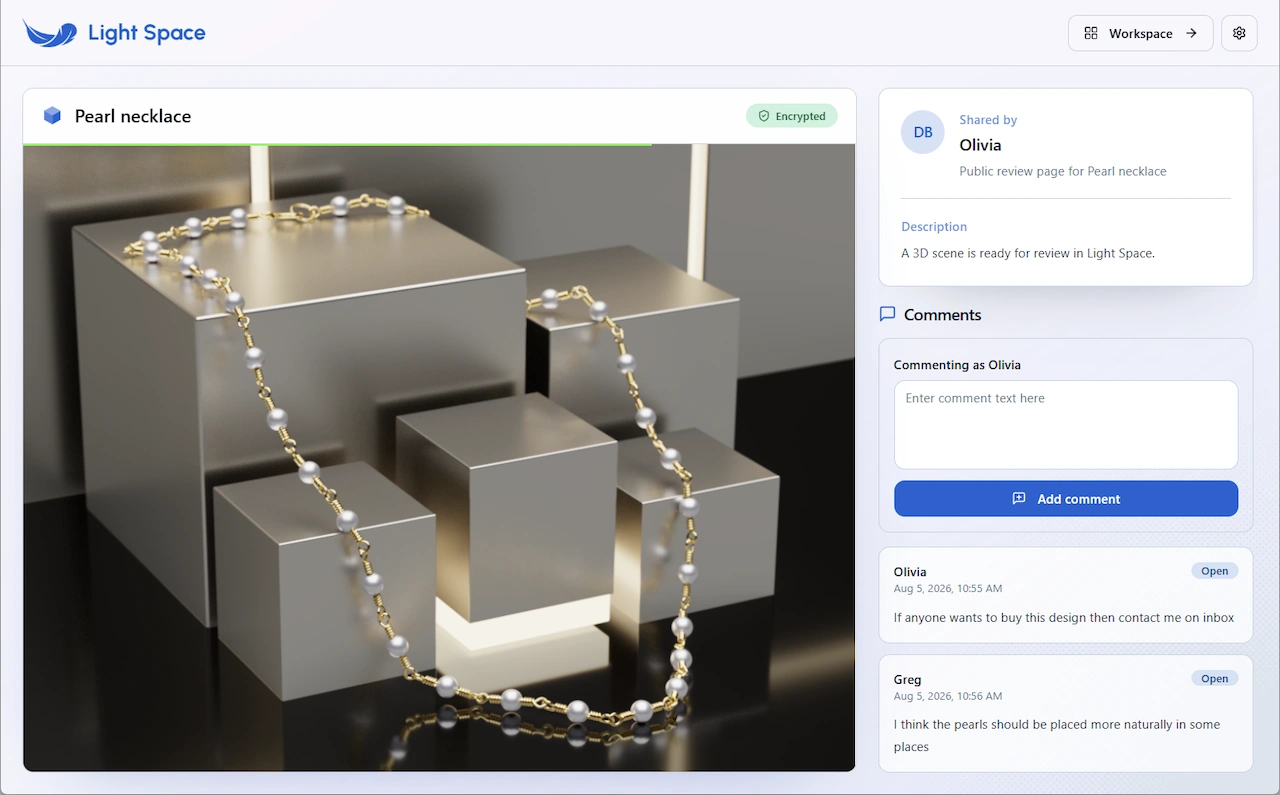
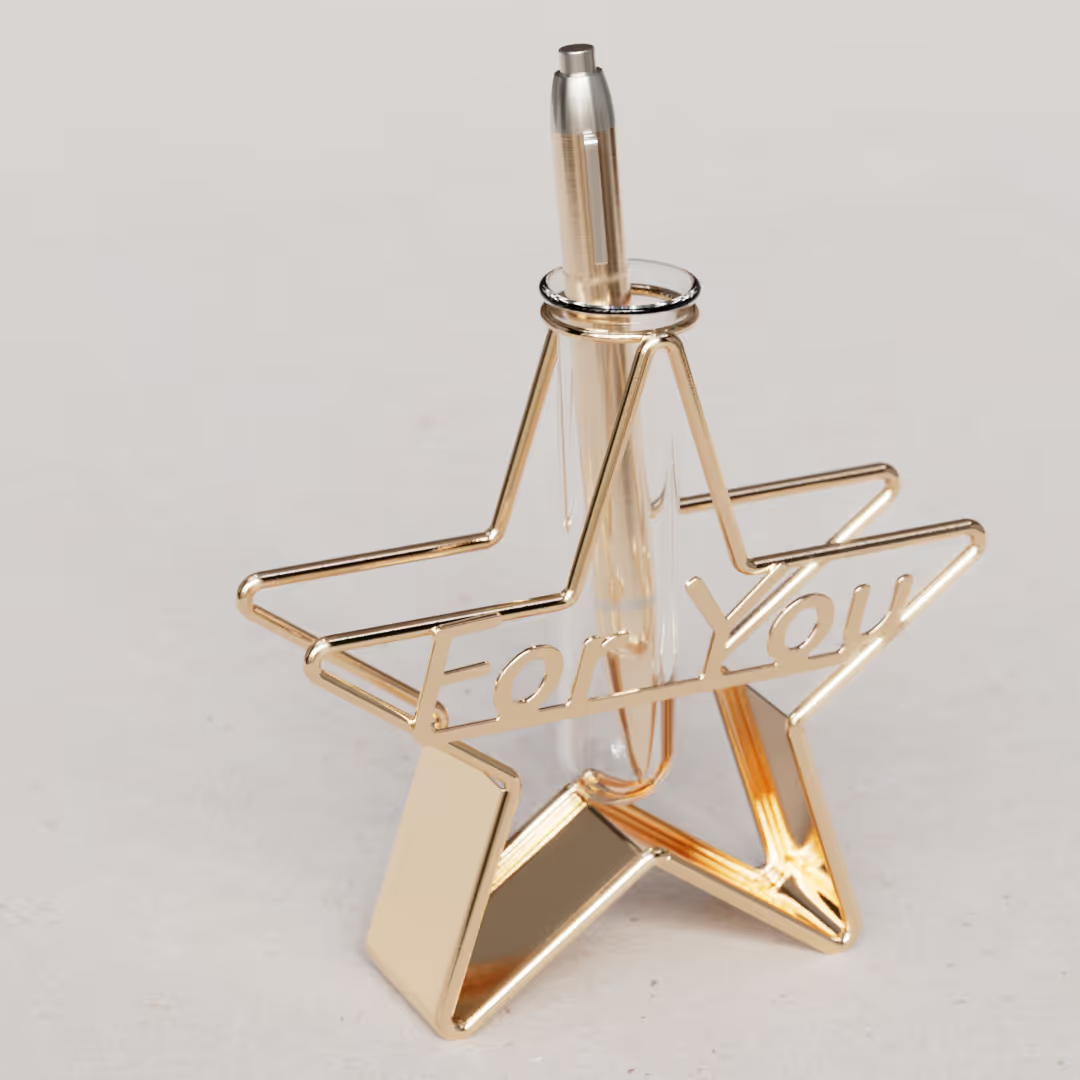

Light Tracer is an intuitive, physically-based 3D rendering tool built for designers who hate waiting. Setup the scene, tweak materials and lighting, adjust details—and see photorealistic results instantly, from stills to fully animated product videos. All without ever leaving your creative flow.


Light Tracer is designed for high-detail jewelry and product visualization. Accurate gemstone and metal rendering, per-object HDRI control, and effortless studio lighting setup—all backed by an expansive built-in library of materials and environments.


Create captivating animations that showcase every angle of a jewelry piece or demonstrate a product in action. Keyframe objects and environments, fly through scenes with custom camera paths, or record physics for natural movement—all controlled through a simple, intuitive timeline.
.svg)

In addition to Windows and macOS versions, Light Tracer can run directly in a web browser—with uncompromised ray-tracing quality. Whether you're in the studio using the native app or sharing a live link with a client, your work is always ready to impress.





Light Tracer simulates light with scientific accuracy. Every ray is calculated correctly—from how it interacts with each surface to how it reaches the camera. Images don’t just look real—they are physically accurate.

Your GPU is powerful. We make sure you use all of it. Full support for hardware ray tracing on NVIDIA, AMD, and Intel GPUs. Interactive speeds even on complex scenes. No waiting. No wasted hardware.
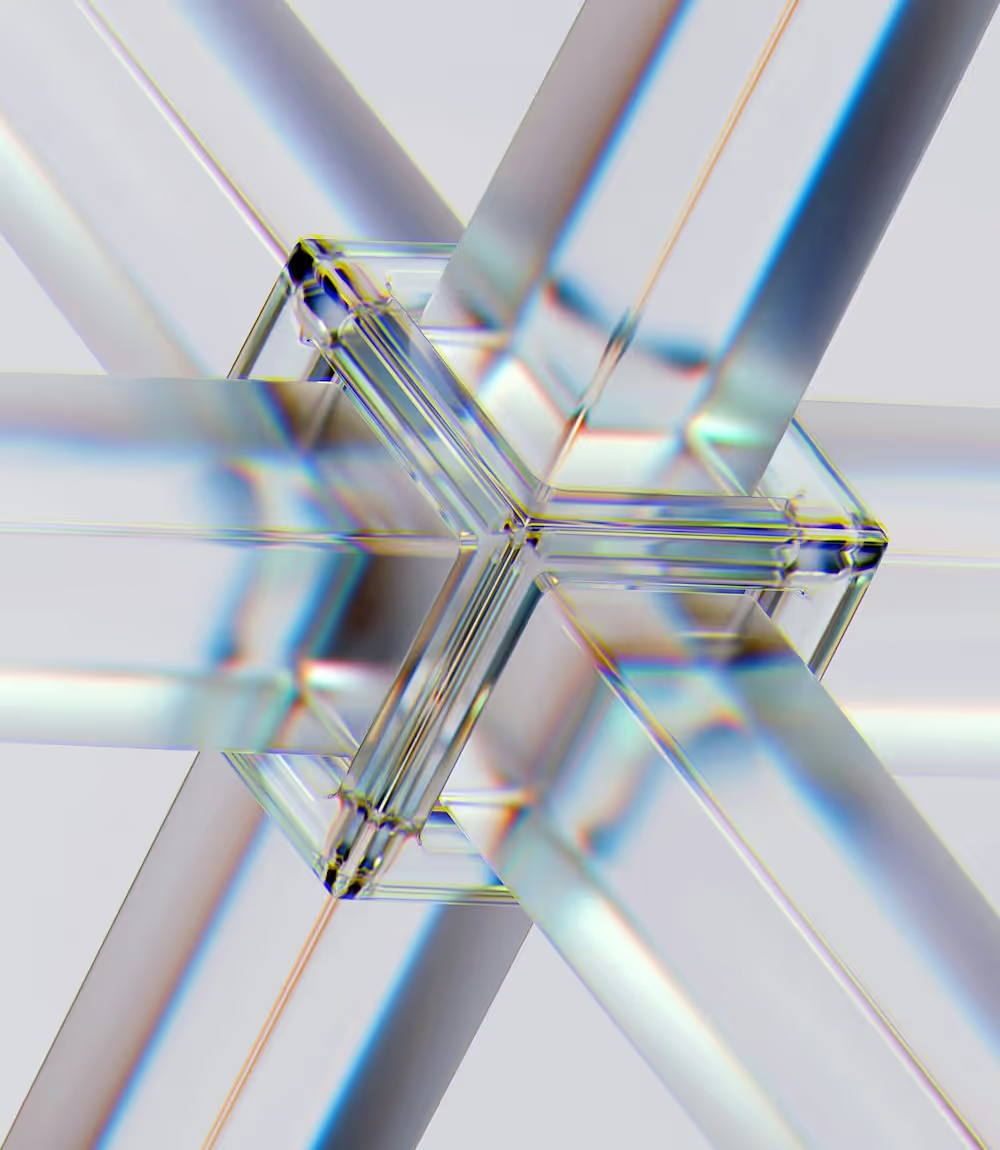

Complex light? Handled. Light Tracer uses intelligent sampling and bi-directional path tracing to capture every ray bounce, every caustic, every hidden emitter. Automatically. Instantly.
Light Tracer enhances your creative workflow with productivity tools that handle the technical work so you can focus on design


Import the most common 3D formats, such as OBJ, STL, PLY, glTF 2.0, FBX, DAE, and 3DM, as well as STEP, IGES, and BREP CAD formats. When importing from CAD, tweak tessellation precision to match your need for smoothness or performance.


The Principled shader handles almost any surface—with clearcoat and sheen layers for extra depth. And for glass and gemstones, dedicated Rough Glass gives you total control: clear, frosty, or anything in between—with spectrally accurate dispersion crucial for gemstone fire.
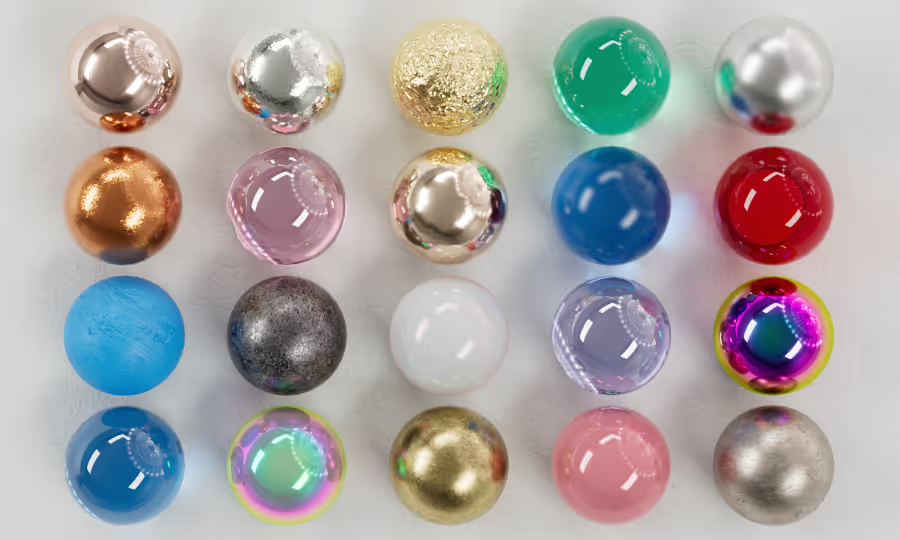

Light Tracer offers a cloud library of over 2,300 PBR materials and 900 HDRI maps—curated for jewelry and product work. Find the perfect gemstone, metal finish, or studio lighting setup in seconds with an intuitive category tree and search.
.avif)

Lighting design in real time. Paint HDR lights wherever your product shot needs them—and watch your scene come alive instantly. Turn any object into a mesh light, then attach IES profiles for precise beam control. All while seeing exactly how your product responds. Instantly.
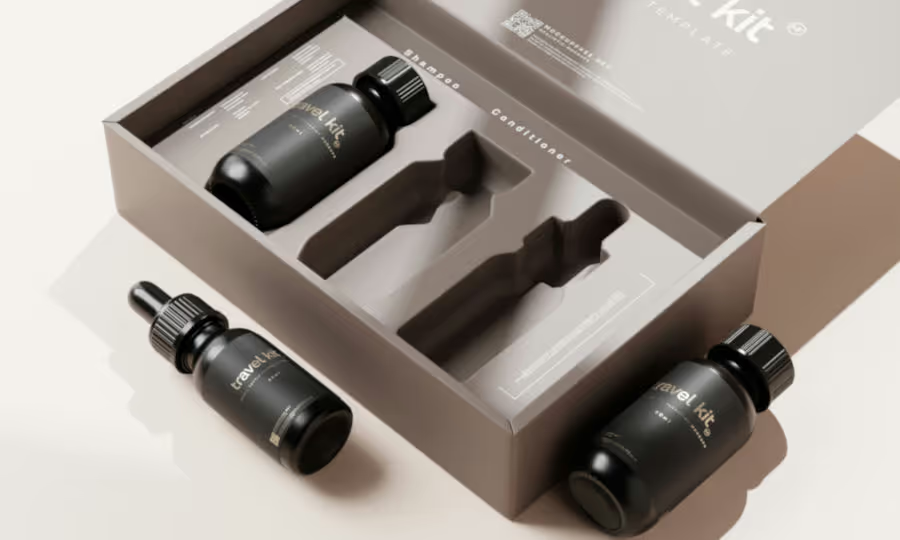

Place logos and labels effortlessly—then refine with drag-and-drop simplicity. Adjust brightness, contrast, or invert textures on the fly. Control the scope of any label by dragging it up the hierarchy to cover whole groups or down to target single components.

Built for real work. Render passes and layers for complete compositing freedom. Shadow and reflection catchers that integrate with any backdrop. Labels, stickers, and post-processing always at hand. Everything you need to deliver professional results.
Create emotional product stories through animation, then share them effortlessly
Create cinematic camera paths with ease by placing keyframes along the trajectory, or let turntable and swing presets do the work for you.
Set position, rotation, and scale at specific points on the timeline—Light Tracer handles the rest, creating smooth, natural motion between the keyframes.
Keyframe your environment like any other object. Brightness, rotation, position of light emitters, and sun—all animatable. Your lighting evolves as your scene moves.
Run physics. Bake to tracks. Combine with keyframes. Natural movement and precise control, all in one seamless timeline.
Build your scenes with ease! Thanks to the built-in physics engine, you can interactively set life-like positions for scene objects during transformations.


Light Tracer brings the Academy Color Encoding System to your workflow. Wider gamut. Higher dynamic range. Colors that remain perfectly consistent from your first creative decision to your final render.

Filmic tone mapping. Cinematic depth of field. Bloom with glare that makes gemstones truly sparkle—catching light, casting streaks, revealing the fire hidden in every facet. Every render feels alive.

Noise vanishes. Instantly. Light Tracer's real-time AI denoiser—powered by the Intel® OID library—lets you skip the thousands of samples. Clean images can be produced in a fraction of the time.
Support the development and get full-featured standalone and web versions

Trusted by jewellers and product designers looking for a KeyShot alternative


Get inspired with beautiful renders made in Light Tracer Render

Version 3.3.0 is a big update focused on faster, accurate jewelry rendering and broader product-visualization capabilities. You can now create jewelry animations in minutes, with improved environment setup per object, new jewelry materials, HDRI library, and better shadow catcher.
LTR 3.2.1 is a refinement release focused on reliability and day-to-day ergonomics: better undo/redo and a handful of fixes that remove little papercuts from your workflow.


Light Tracer renders entirely on GPU and works on any hardware. It leverages hardware ray tracing when available, otherwise uses its own software implementation — no dedicated RT cores needed.

Light Tracer supports nearly any GPU from 2016 or later, including integrated graphics and Apple M chips. Hardware ray tracing and AI denoising are available when running on compatible hardware.
.svg)
There are native standalone versions for Windows 11 and macOS 15 Sequoia or newer. The web version can run on any operating system using modern browsers like Chrome, Safari, Edge, etc.

High-end Android and iOS phones run Light Tracer at moderate speeds. Powerful tablets like the latest iPad Pro and Galaxy Tab S Ultra deliver fluid performance on large, comfortable screens.
You need to be online to verify your license at startup and remain online during use. However, Light Tracer is optimized for unstable connections — you don't need a constant, uninterrupted link.
Yes, you can install Light Tracer on multiple computers like a workstation and laptop. However, you cannot run it simultaneously on more than one machine without an additional license.
Subscriptions can be canceled anytime at no cost, and you keep using Light Tracer until the end of your billing period. Perpetual licenses are a one-time payment — you own the software forever.
Light Tracer's rendering engine is a reusable JavaScript component for websites and web apps — configurators, catalogs, marketplaces. Contact info@lighttracer.org for licensing.


.svg)